

Capture and record
Capture every bug with the evidence to prove it.
Take screenshots of your screen, a window, or a tab, record sessions with audio and a webcam overlay, then annotate, redact, trim, and export. Everything is processed in your browser.
Screenshots that explain themselves
Select a region, then annotate, redact, and beautify before you copy, download, or attach it to a bug report.
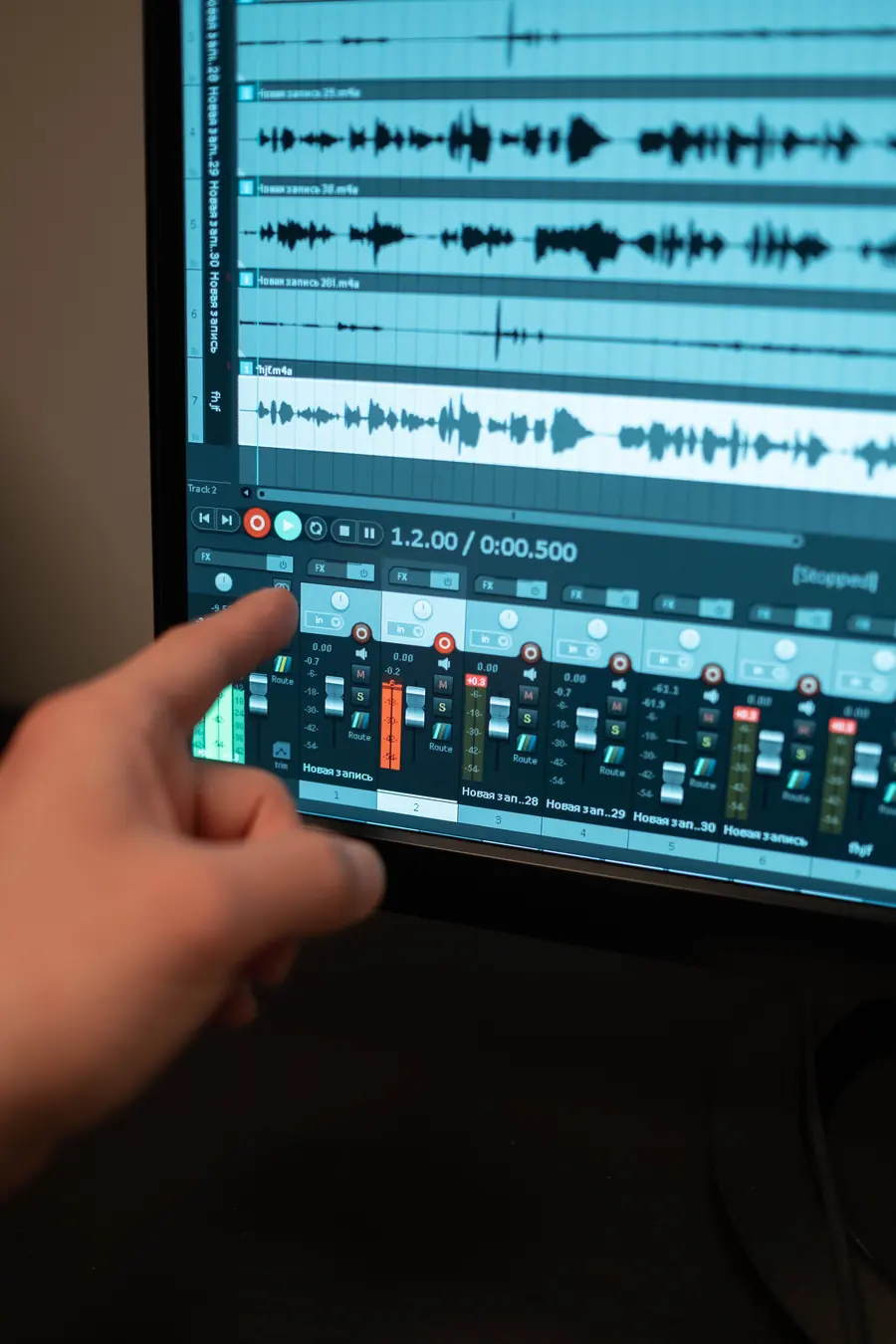
Recordings with sound
Record a screen, window, or tab with system and microphone audio, a webcam overlay, and pause and resume.
Edit without uploading
Trim, split, crop, add text overlays, and clean up audio, then export MP4 or WebM.
What you can do today
- Capture the whole screen, one window, or a single tab
- Blur, pixelate, or block sensitive details before sharing
- Record long sessions and save them locally
- Trim and export recordings as MP4 or WebM
- Attach captures to an AI-drafted bug report
Privacy
- Captures and edits are processed in your browser
- Nothing is uploaded unless you attach it to a report or a request
In the product
The tools behind this page.
Each of these is available in Testnir today.
- Screenshot CaptureCapture your screen, window, or tab, select a region, then annotate, redact, and beautify - copy, download, or send to a bug report, all in-browser.
- Screen RecorderRecord your screen, window, or tab with system + mic audio and a webcam overlay. Pause / resume, long sessions, and save locally - all in-browser.
- Video EditorTrim, split, crop, add text overlays, and clean up audio, then export a high-quality MP4 or WebM - all in-browser, nothing uploaded.
- Image StudioAnnotate, redact (blur/pixelate/block), and beautify screenshots with backgrounds, padding & retina export - all in-browser.
See whether Testnir fits your team.
Book a demo of the platform, discuss a testing project, or both. We will reply by email to plan the conversation.